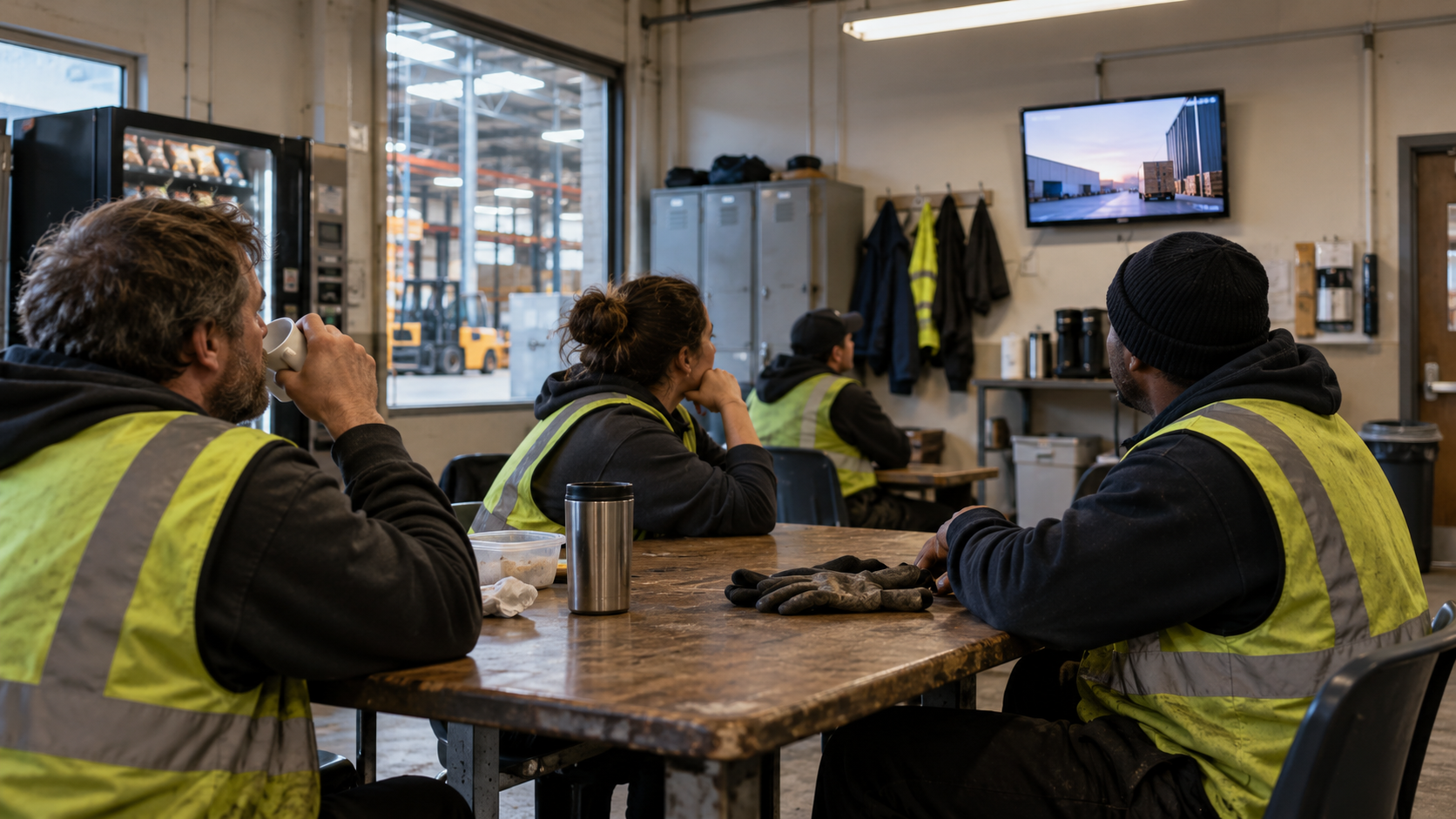
Quick answer: The reason internal communication fails on the frontline is simple. Roughly 80% of the global workforce is “deskless” and has no work email or intranet login, so email, Slack and the company portal never reach them. The fix is to put messages where deskless staff actually stand: on site screens in break rooms, hallways, factory floors and clinic lobbies, driven by cloud software you update once so every location refreshes. Digital displays earn up to 400% more views than email, go live in under 90 seconds on any existing TV, and let you push an urgent override to every screen in under a minute.
Why is internal communication so hard for frontline teams?
Most internal communication tools were built for people who sit at a computer all day. Email, intranets and chat apps assume everyone has an inbox open. But nurses, retail associates, warehouse crews, manufacturing operators, drivers and cleaners do not work that way. They are on their feet, and many have no company email address at all.
So the message you worked hard on dies in a channel the frontline never opens. Engagement scores stay flat because activation depends on a channel that is already ignored. Emergency alerts cannot reach every screen at once, which is a safety and liability gap. And printed posters go stale the day after they are pinned up, then become a compliance liability across every site you run.
What is a “deskless” worker, and why doesn’t email reach them?
A deskless worker is anyone whose job does not revolve around a desk and a computer. They are the frontline and operational majority of most organizations. Estimates put deskless workers at around 80% of the global workforce. Because many never receive a work email or log in to the intranet, every channel that depends on an inbox structurally excludes most of your people. That is why “we sent an email” and “we posted it on the intranet” consistently fail to move frontline behavior.
How do you reach employees who don’t have a work email?
You meet them where they already look: the shared physical spaces they pass through every shift. On site screens turn any TV into an internal communication channel, and modern digital signage software makes them easy to run at scale:
- Reach 100% of your on site workforce, including the deskless majority with no work email.
- Update every notice across every site instantly from one dashboard. Change it once and every location refreshes.
- Push an instant override to every screen in under a minute when something is urgent, like a closure, a safety alert or a recall.
- Control 1 or 1,000 screens from a single login, across desks, lobbies, hallways and factory floors.
- Target by department, location and shift. Send HR to break rooms, safety alerts to the factory floor, and KPIs to management areas.
What should you put on internal communication screens?
The best on screen messages are short, timely and specific, the kind of thing a poster can never keep up with. Real examples from frontline deployments:
- “Days since last incident: 247.” A live safety streak that keeps the whole floor invested.
- “Weather closure: night shift starts two hours late. Stay safe.” An override that reaches everyone before they leave home.
- “That poster on the wall is already out of date. This one isn’t.” Always current notices instead of stale print.
- Shout outs and milestones, like “Maria from Shift B just hit 5 years. Thank you, Maria.”
You do not need a design team. Screens pull in the content you already make, including Canva, Google Slides, PDFs, RSS feeds, Google Sheets, Slack and QR codes, with no rework.
How does screen based internal communication actually work?
It is deliberately not a hardware project:
- Plug a small player into any TV by HDMI. It is live in under 90 seconds, with no IT ticket, and an offline cache keeps screens running if the network drops.
- Drop in the content you already make. Canva, Slides, PDF, RSS, Sheets or a QR code, with no rework required.
- Schedule by location, daypart and language, then run every screen from a single dashboard.
How do you measure whether it’s working?
Two ways. First, visibility. Unlike an email open rate that most deskless staff never contribute to, a screen in a break room is seen by everyone who passes it, and displays earn up to 400% more views than email. Second, action. Add a QR code so a screen becomes a moment to act, like enroll, book, or acknowledge a policy, that you can actually track. Leaders get proof of reach by visibility, not just a dashboard number that excludes the frontline.
How much does it cost?
Item | Typical cost |
|---|---|
Software (per screen / month) | $10 to $20 |
HDMI media player (one time, per screen) | about $100 to $200 |
Display / TV | Use any TV you already own, or about $300 to $1,200 for a commercial screen |
Because it works with the TVs you already have and installs in seconds, most teams start with a handful of high traffic screens, like break rooms and main entrances, and expand from there.
Frequently asked questions
How do you communicate with employees who don’t use email?
Put the message on screens in the shared spaces they pass through every shift. On site digital signage reaches the roughly 80% of workers who are deskless and have no work email, without requiring anyone to log in to anything.
What percentage of the workforce is deskless?
Around 80% of the global workforce is deskless. These are frontline and operational roles in retail, healthcare, manufacturing, logistics, hospitality and more, and a large share have no company email address.
Do internal communication screens work during an emergency?
Yes. You can push an instant override to every screen in under a minute, and an offline cache keeps screens running the last message even if the network drops.
What content can I show without a designer?
Anything you already make. Canva designs, Google Slides, PDFs, RSS feeds, Google Sheets, Slack messages and QR codes flow straight to the screens with no rework.
Can I show different content in different departments?
Yes. Group screens by department, location and shift, then schedule each one its own content, so HR goes to break rooms, safety to the factory floor, and KPIs to management areas.
How long does it take to set up?
A single screen is live in under 90 seconds. Plug an HDMI player into any TV, connect it, and publish from the dashboard. No IT ticket or onsite visit required.