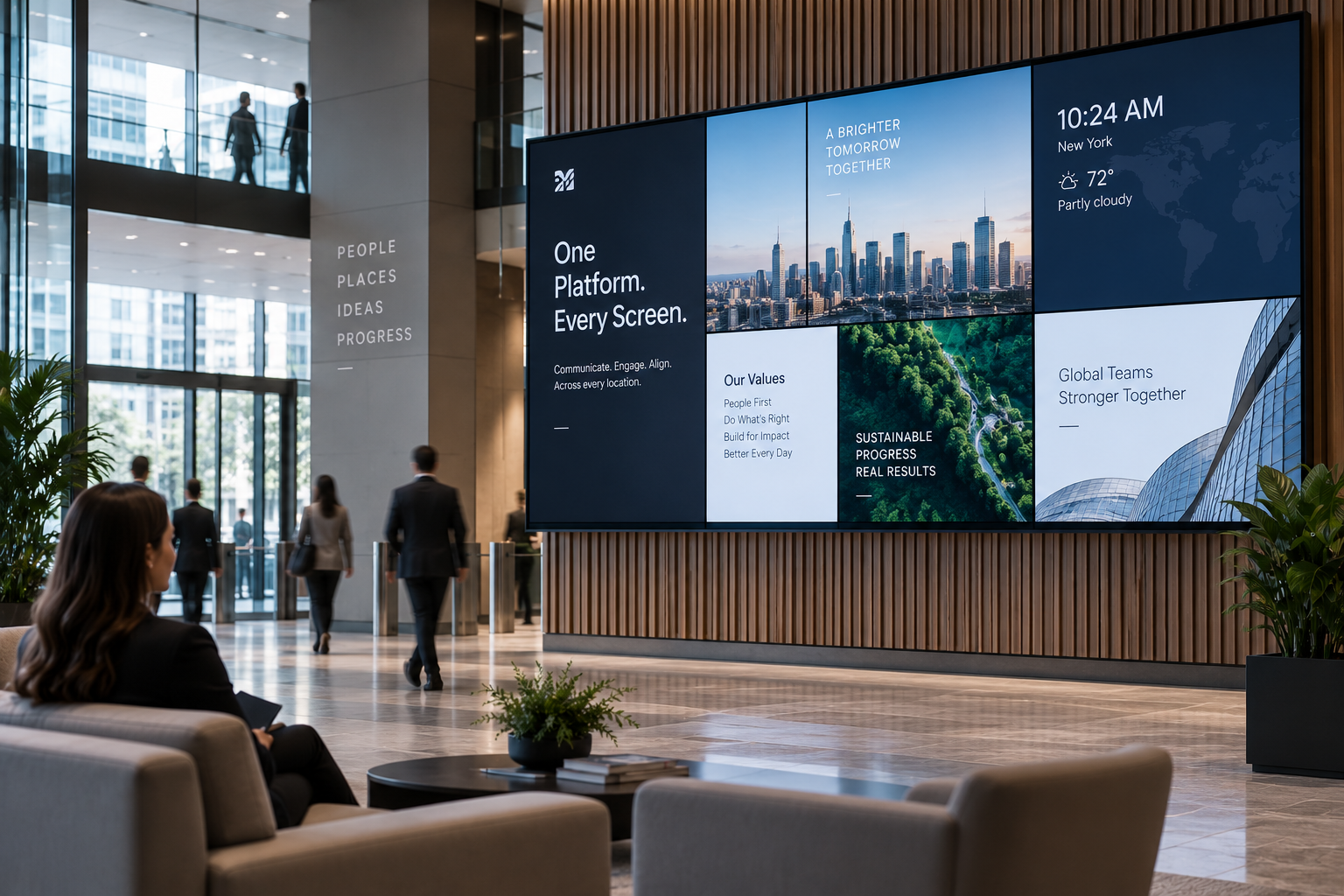
Quick answer: Enterprise digital signage is cloud software that lets a large organization manage a whole network of displays from one place, with the control and security that scale demands. That means remote display management, grouping screens by region, role based access so the right people publish to the right screens, multi level scheduling, network wide alerts and takeovers, real time status on every device, and enterprise grade security with Single Sign On and Two Factor Authentication. A custom API lets you pull internal data and build your own apps on top.
What is enterprise digital signage?
Enterprise digital signage is a scalable, secure platform built to power an expansive network of displays across many sites. It takes the complexity out of managing that network, so you can deliver content around the world or across the room in seconds. The difference from a small deployment is not the screens, it is the controls: user permissions, security, scheduling and monitoring that hold up across hundreds or thousands of endpoints.
How do you manage hundreds or thousands of screens?
From one dashboard, remotely. You can search screens by name, cast screen ready content, schedule loops, and reboot or turn off devices any time, from anywhere. As the network grows, you deploy, move or decommission displays with an easy setup, and you group players by region so a set of screens in the same location takes the same settings and content in a few clicks.
How do you control who can publish?
With users and permissions built for teams. Set up unlimited accounts and organize users into groups that decide who can control which screens, content and settings. Role based access authorizes who can create, share and publish, and to which displays in which locations. Multi level scheduling then lets you set custom loops with recurrence, repeats, dates and times, applied to a display group or a single screen.
Is it secure enough for enterprise?
Security is the part that separates enterprise signage from consumer tools. Your data stays protected with enterprise grade controls, including Single Sign On and Two Factor Authentication, so access follows your existing identity policies. Combined with role based permissions, that keeps publishing rights tight even across a large, distributed team.
Can it push urgent alerts across the whole network?
Yes. Broadcast high priority or urgent content across your entire signage network in a few seconds with system wide alerts and takeovers. Real time status updates let you access every screen remotely and monitor logs, so you always know the network is live and up to date.
How does it integrate with our systems?
Through a powerful API and custom integrations. You can create custom apps and pull internal data from your organization onto the screens, so signage reflects live systems rather than static slides. Detailed analytics and logs show when, where and how many times content played, which helps you optimize return on investment. A professional support team helps from setting up hundreds of displays to answering content questions.
What does it cost, and how do you start?
Item | Typical cost |
|---|---|
Software (per screen / month) | $10 to $20, with volume pricing at scale |
HDMI media player (one time, per screen) | about $100 to $200 |
Display / TV | Use screens you already own, or commercial displays as needed |
Most enterprises start with a pilot at one region or building, prove out the permissions and scheduling model, then roll the same groups and templates across the network. Screenfluence runs on 99.99% uptime with an offline cache, so screens keep playing even if a site loses its connection.
Frequently asked questions
What makes signage software enterprise grade?
Controls that hold up at scale: remote management of every device, role based access, multi level scheduling, network wide alerts, real time monitoring, and security with Single Sign On and Two Factor Authentication.
Can we control who publishes to which screens?
Yes. Unlimited users organized into groups, with role based access that authorizes who can create, share and publish, and to which displays in which locations.
Does it support SSO and 2FA?
Yes. Enterprise grade security includes Single Sign On and Two Factor Authentication, so signage access follows your existing identity policies.
Can we send an alert to every screen at once?
Yes. System wide alerts and takeovers broadcast high priority content across the entire network in a few seconds.
Can it connect to our internal data?
Yes. A custom API lets you build apps and pull internal data onto your displays, and detailed analytics and logs show what played, where and how often.
How do you manage screens in different regions?
Group players by region so screens in the same location share settings and content, all controlled from one dashboard, from anywhere.