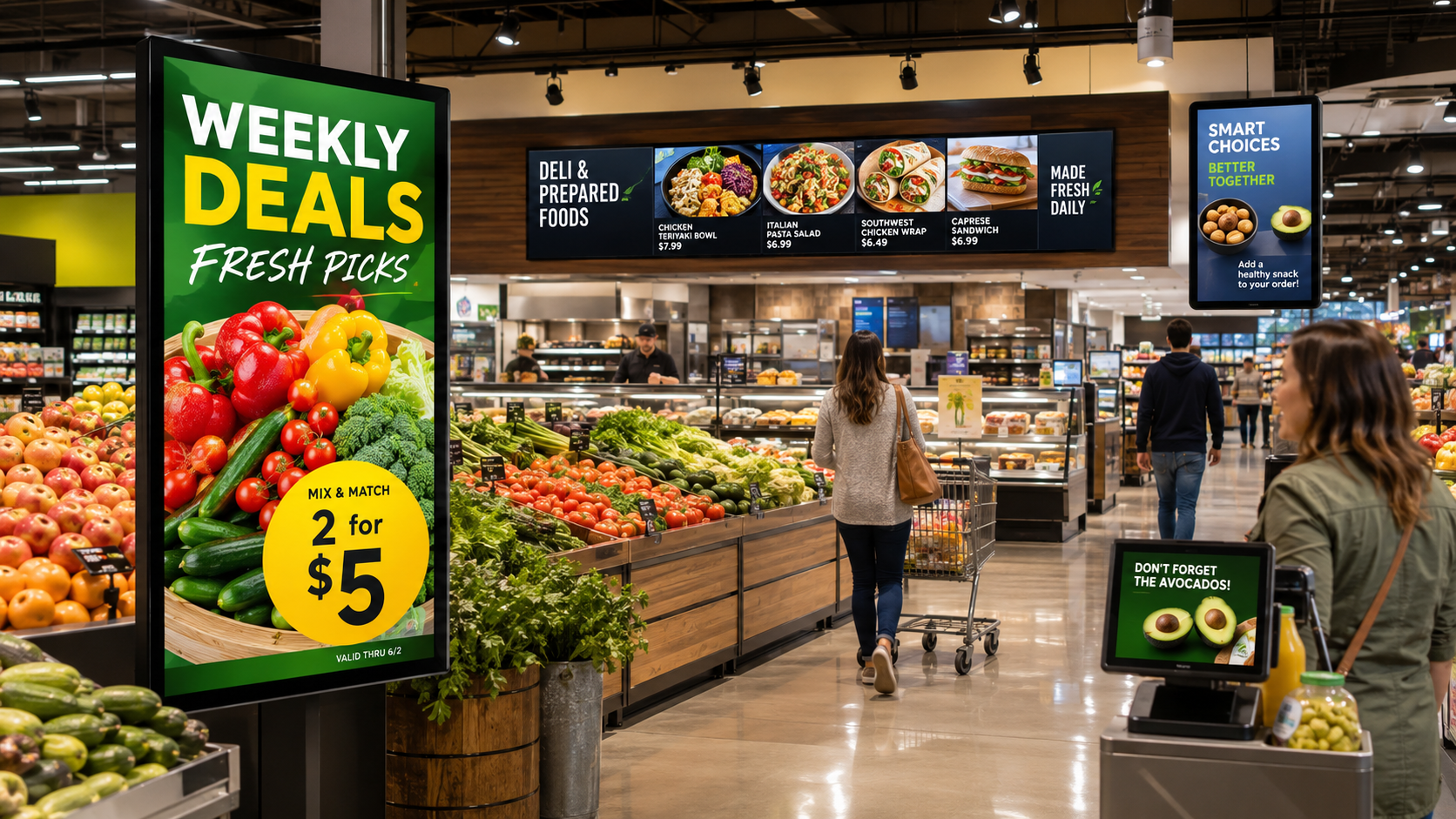
Quick answer Grocery stores and supermarkets use digital signage to boost impulse purchases, promote high margin products, run weekly promotions, and improve the in store experience, all updated across departments and locations in seconds. In store ads influence more than a third of grocery shoppers to try a new product or brand, and screens let you shift content instantly to move fast selling produce or stop advertising a sold out item. A plug and play HDMI player turns any TV into a store display in under 90 seconds.
What is digital signage for grocery stores?
Digital signage in a grocery store is any screen, from a storefront display to a deli menu board or a shelf edge screen, controlled by cloud software instead of printed signs. Because you update it from an intuitive dashboard, you can change what every screen shows across different departments and locations without reprinting anything, which is what makes it a sales tool rather than just decoration.
How does digital signage drive sales in a store?
By putting the right offer in front of shoppers at the moment they decide. You can quickly adapt in store promotions, highlight daily or weekly deals, encourage impulse purchases, and upsell high margin products. The influence is real: in store ads influence more than a third of grocery shoppers to try a new product or brand, so featuring specialty items, special diet foods and new offerings moves units.
Where do grocery stores use screens?
The highest value placements map to the shopper journey:
- Point of purchase displays. Build trust in specific brands and push special products with digital end caps and shelf edge screens.
- In store announcement displays. Share time sensitive information, deploy new promotions instantly, and post stock or aisle updates across locations.
- Video walls. Increase foot traffic with brand ads, new services and events on eye catching displays.
- Digital menu boards. Promote takeout items and ready to eat meals with daily specials, nutrition data and prices.
- Point of sale signage. Improve the checkout line experience with loyalty programs and upsell offers.
- Ad and promo screens. Generate additional revenue from ad sales and push existing campaigns using in store exposure.
How does it improve the shopping experience?
Screens make the store easier and more engaging to shop. List aisle directions, feature loyalty programs, inspire undecided shoppers with recipe ideas, and add a call to action to in store samples and demos. You can also pull user generated content from your social feeds to show real reviews for the brands you carry. Since 71% of consumers want ads tailored to their interests, an easy to update cloud system lets you cater to specialty shoppers and adapt displays by department or location.
Does it cut marketing and printing costs?
Yes. Keeping promotional material current with screens eliminates printing costs, and you can shift content instantly to move fast selling produce and stop advertising sold out products. Managing it centrally means one change updates every store, so no location is running last week’s price.
How much does grocery digital signage cost?
Item | Typical cost |
|---|---|
Software (per screen / month) | $10 to $20 |
HDMI media player (one time, per screen) | about $100 to $200 |
Display / TV | Use a screen you already own, or about $300 to $1,200 for a commercial display |
Most stores start with high traffic points, like the entrance and the deli or prepared foods counter, then expand to end caps and checkout. Screenfluence runs on 99.99% uptime with an offline cache, so a screen keeps playing even if the network drops.
Frequently asked questions
How does digital signage increase grocery sales?
It puts promotions and high margin products in front of shoppers at the point of decision. In store ads influence more than a third of grocery shoppers to try a new product or brand, and you can adapt offers instantly.
What should grocery store screens show?
Weekly deals, specialty and new products, aisle directions, loyalty programs, recipe ideas, and menu boards for prepared foods, plus user generated reviews pulled from social.
Can I update screens across multiple stores at once?
Yes. Manage everything from one dashboard and change content by department or location, so a single update reaches every store instantly.
Does it reduce printing costs?
Yes. Digital promotions replace printed signs, so you eliminate reprint costs and can stop advertising a sold out item the moment it runs out.
How quickly can a store screen be set up?
A single screen is live in under 90 seconds. Plug an HDMI player into any TV, connect it, and publish from the dashboard.
How much does it cost?
Software is a transparent $10 to $20 per screen per month, plus a one time media player of about $100 to $200 per screen. You can use screens you already own.